
Headmon in action
Made for the moment, useful over time.
Headmon keeps the common actions close and the deeper context optional. The Android and iOS apps share the same diary meaning while feeling at home on each platform.
All diary information shown here is fictional demonstration data.
Your day at a glance
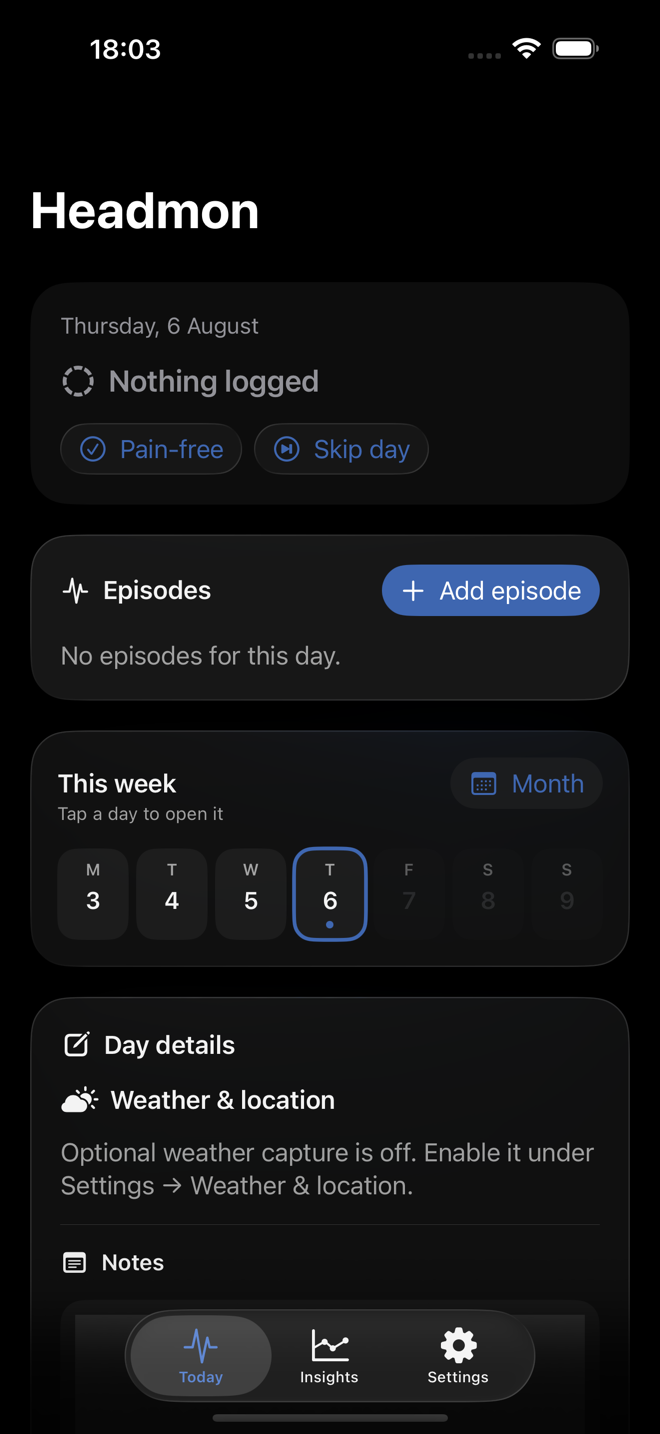
Start from Today
Mark a pain-free or skipped day, start an episode, move through the week and add only the details that are useful to you. The full month is one tap away.
The same diary, at home on Android
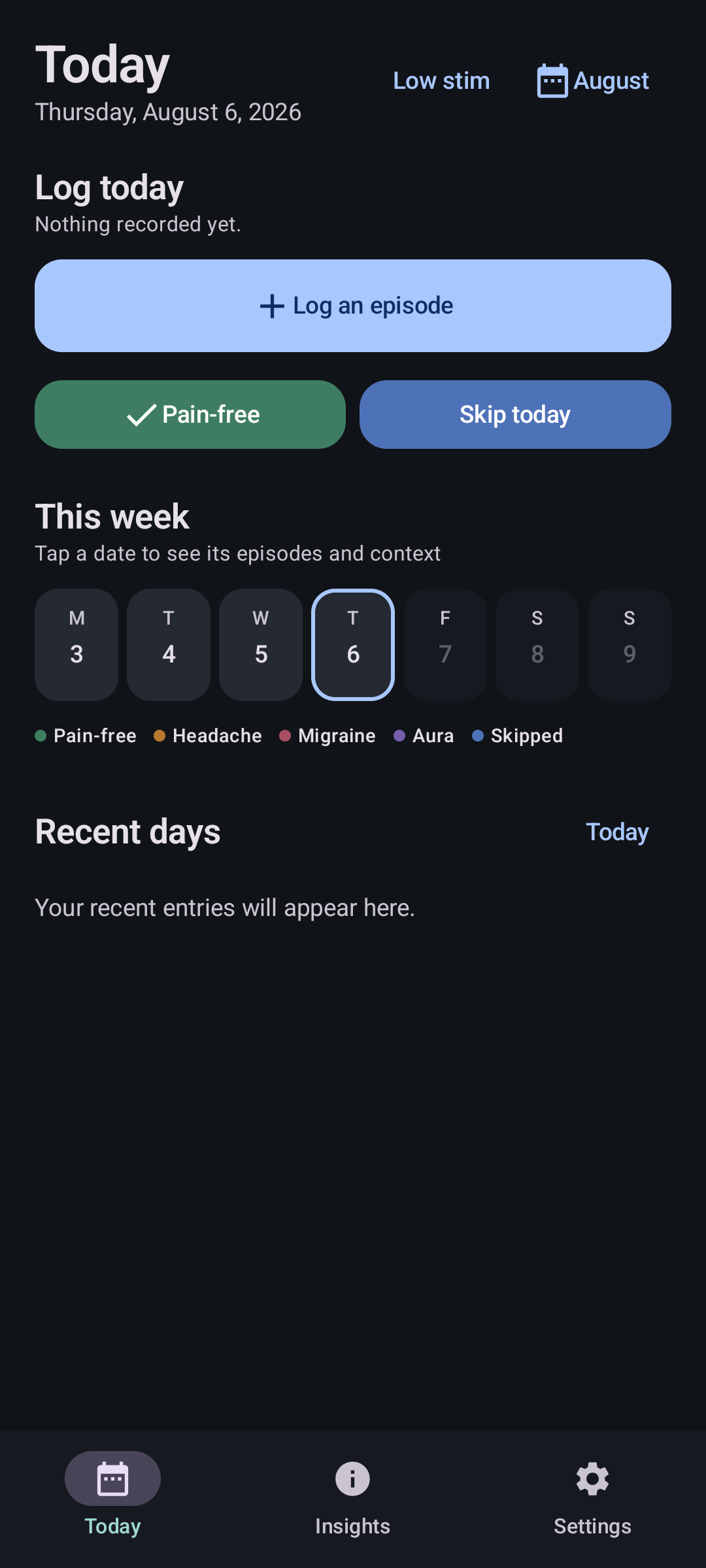
A calmer overview when light is unwelcome
Headmon 4.0 brings the diary, quick day states and episode timeline into a focused Android experience. Low-stimulation mode stays close when even the normal dark theme feels like too much.
Fast when it needs to be
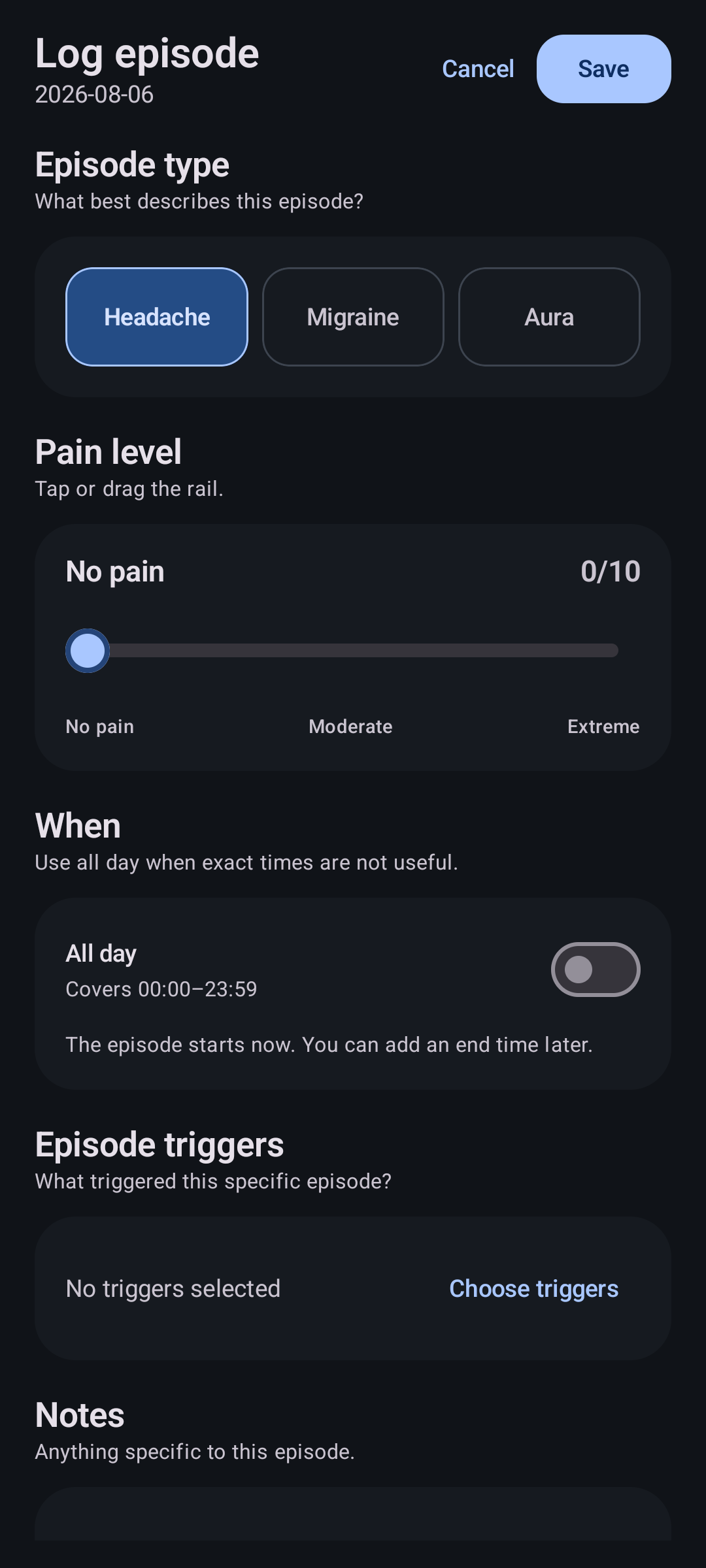
Log the episode, then move on
Start with the essentials, then add timing, symptoms, medicine, triggers and notes only when they are useful. Existing episodes remain editable without turning the diary into a form-filling exercise.
Recognizable at a glance
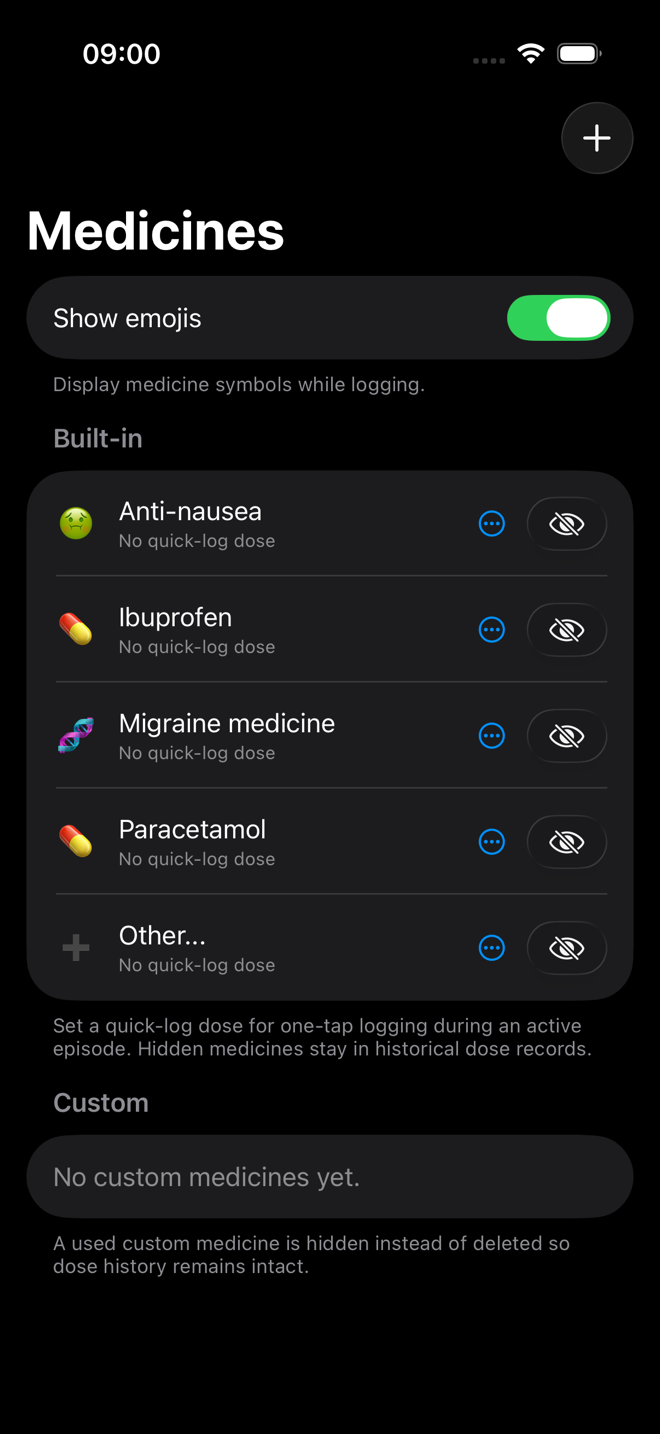
Medicines that look familiar
Built-in and custom medicines can keep their own symbols and usual doses. Historical records stay intact when a medicine is hidden from future logging.
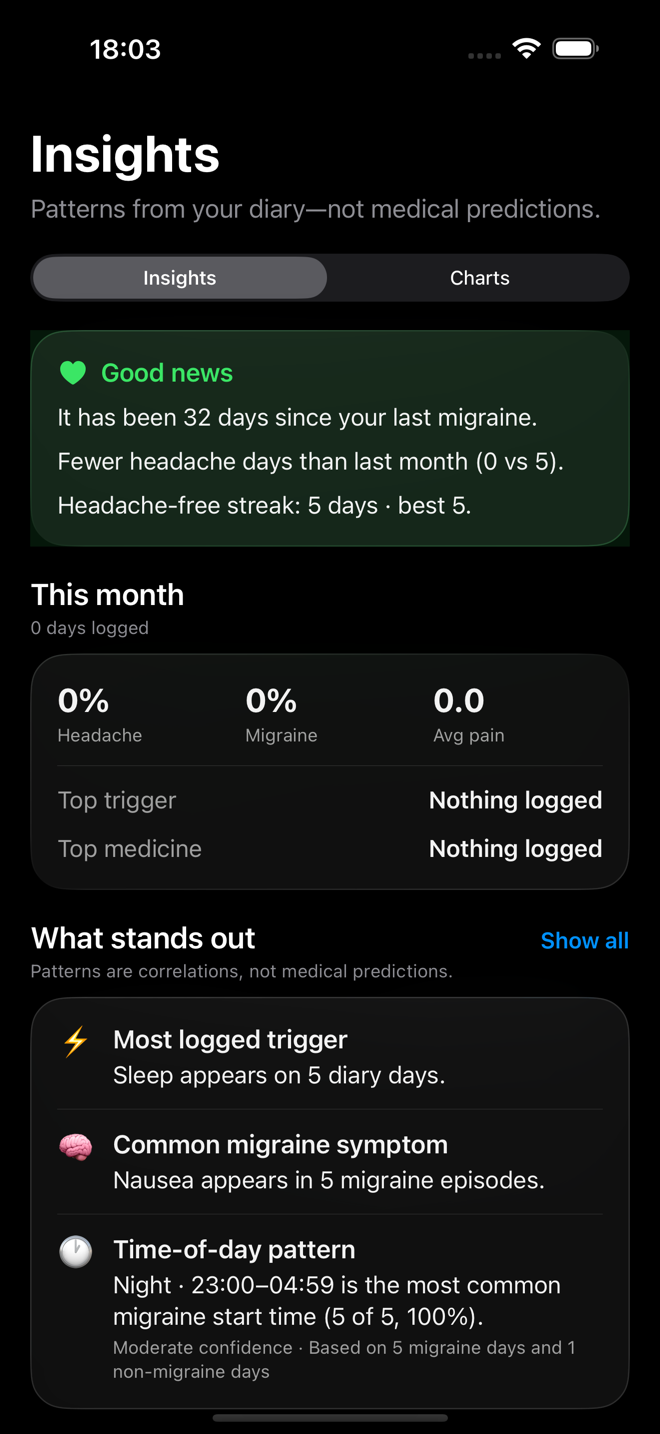
Patterns, not predictions
Turn diary history into perspective
Streaks, summaries, trends and correlations are calculated privately from the diary. Headmon presents them as observations, not diagnoses or medical predictions.
Useful outside the app
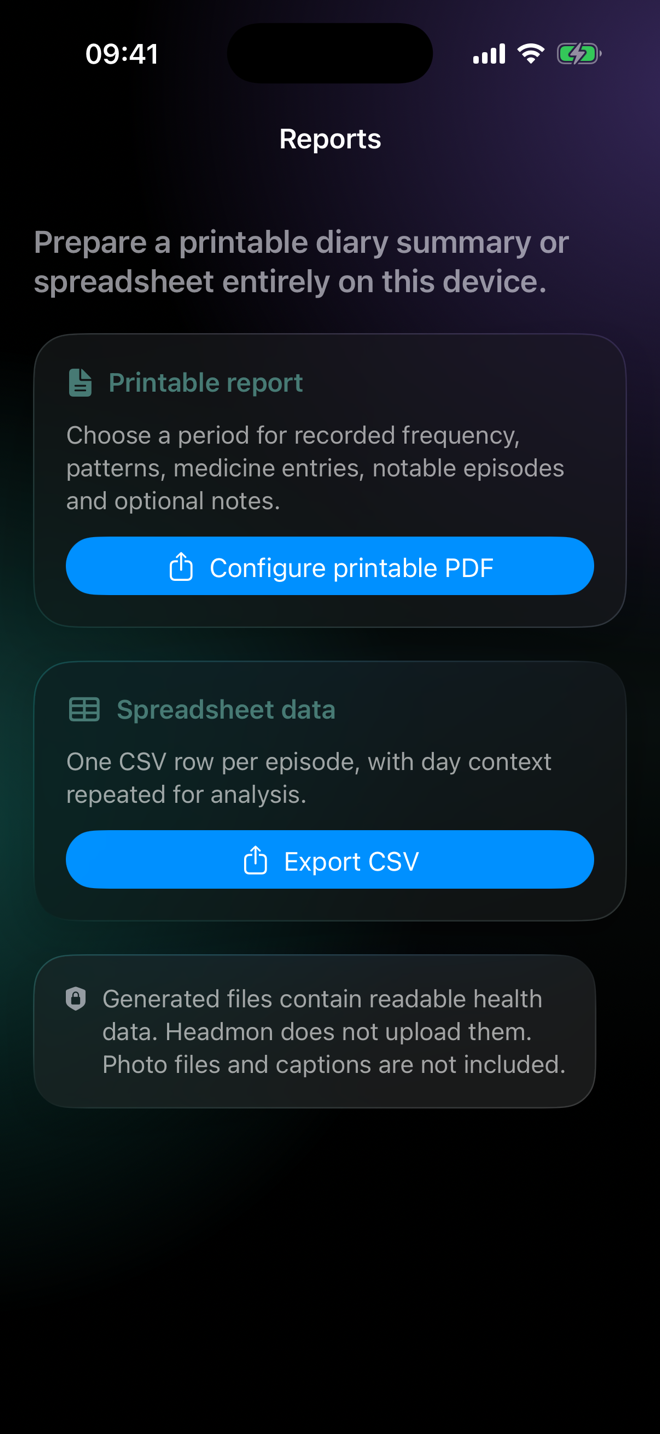
Prepare a report without giving up control
Create a printable PDF summary or diary rows for a spreadsheet. Headmon builds each export on the device and lets you decide whether to save it, share it or leave it there.
Your data can move
Local-only does not mean locked in.
Export a portable backup to move between Android and iOS, create CSV or PDF reports, and choose where your copies live. Headmon does not operate a synchronization server.
Read the privacy boundary